
5 Best AI Tools That Actually Do the Work for You (Not Just Chat)
AI chat interfaces are great, but typing prompts all day can quickly feel like a second job. The real productivity hack isn't finding a better chatbot; it's finding systems that run in the background and cross tedious tasks off your to-do list without you asking twice. If you want to stop managing your software and let your software manage your workload, these five platforms are worth adding to your stack right now.
1. Motion: The Algorithmic Executive Assistant
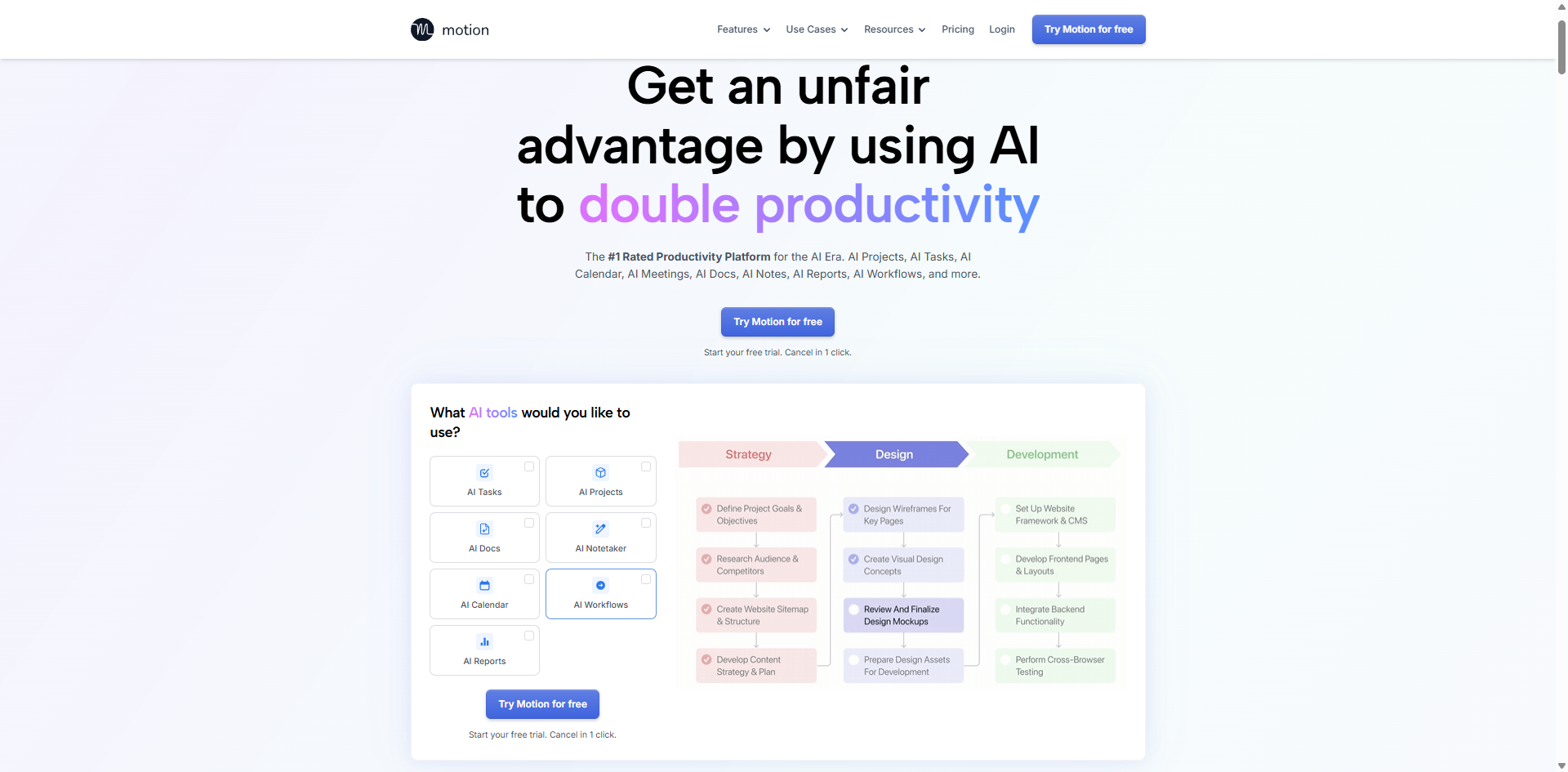
Most digital calendars are passive—they just sit there holding space until you manually drag and drop your life into place. Motion treats your time as a finite resource that needs active optimization. Instead of forcing you to guess when you’ll have time to design a landing page or write a newsletter, you simply feed the platform your raw tasks, set a priority level, and input a hard deadline.
How it works in the real world: Motion’s AI engine analyzes your existing meetings, calculates your preferred working hours, and automatically builds a fluid, hour-by-hour daily schedule for you. The real magic happens when your day goes off the rails. If an emergency client call runs 45 minutes late, you don't need to spend your evening playing calendar Tetris. Motion instantly recalculates your remaining tasks, shuffles them into the next available optimal slots, and keeps you on track without a single manual adjustment.
Best For: Freelancers, agency owners, and project managers juggling 10+ shifting deadlines a week.
The Catch: It comes with a premium price tag and a slight learning curve while you train yourself to trust the algorithm's choices.
2. Granola: Meeting Notes Written by a Human Mind (Not a Bot)
We have all experienced the dread of generic AI transcription bots. They aggressively barge into Zoom or Teams calls, record every single syllable, and then dump a massive, 4,000-word wall of text into your Slack channel that nobody will ever read.
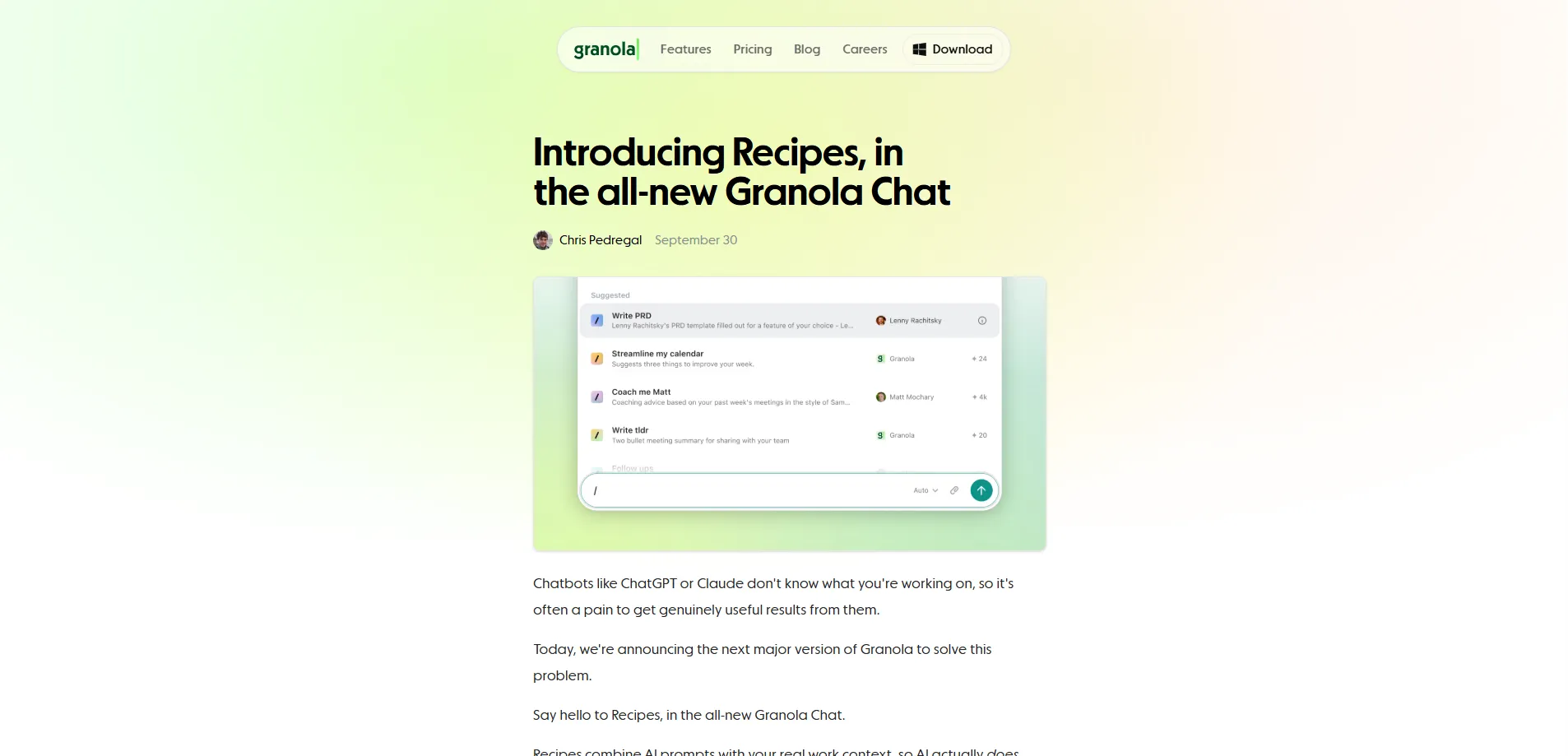
Granola takes a completely different approach. It doesn't live inside the meeting link; it runs cleanly on your desktop, listening to the audio while allowing you to type short, casual bullet points during the conversation.
How it works in the real world: Instead of giving you a word-for-word transcript, Granola combines its audio recording with your manual shorthand to generate highly contextual, professional meeting summaries. It understands the intent behind the discussion. It filters out the casual small talk, highlights the exact decisions made, logs clear ownership of next steps, and even drafts tailored follow-up emails that match your specific professional tone.
Best For: Independent creators, consultants, and remote teams who spend half their day in meetings but hate the post-call admin.
The Catch: It requires you to be somewhat active during the call to get the absolute best, highly customized results.
3. Zapier Central: Custom AI Automations in Plain English
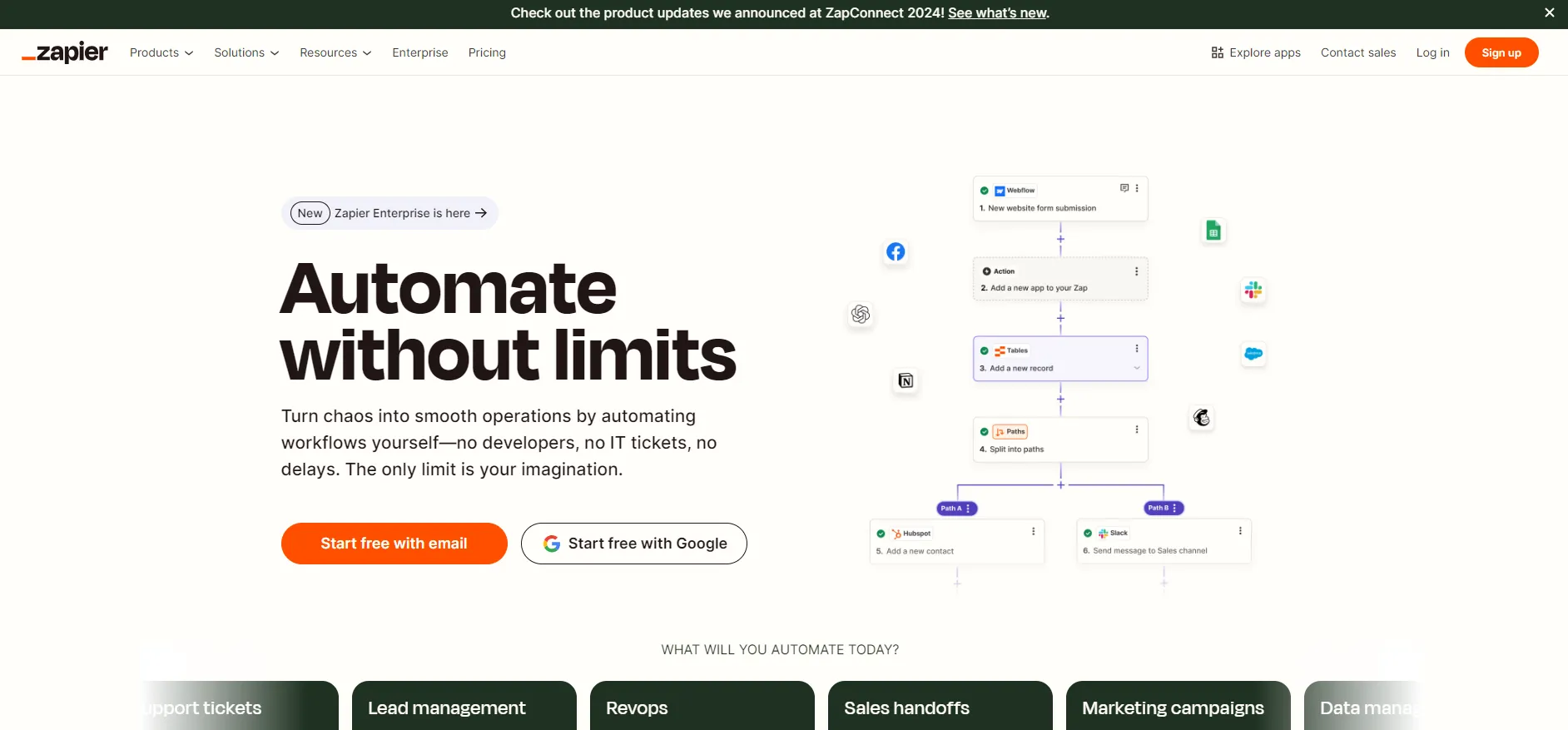
Zapier has long been the backbone of internet automation, but setting up complex multi-step "Zaps" used to require a solid understanding of logic gates, webhooks, and API structures. Zapier Central removes that barrier by turning automation into a casual conversation.
How it works in the real world: Central lets you build custom, persistent AI "agents" simply by describing what you want them to do in plain English. For example, you can instruct an agent: "Watch my incoming email inbox. Whenever a new invoice PDF arrives from a vendor, extract the total amount, due date, and company name, log that data into our team's master Notion database, and ping me on Slack if the bill is over $500." Once configured, the agent runs continuously in the background, handling the data entry while you sleep.
Best For: Small business owners and solo developers looking to link completely separate software systems without writing custom backend code.
The Catch: While incredibly powerful, you still need to monitor the bot initially to ensure it interprets messy, non-standard PDF data correctly.
4. Fabric: A Digital Second Brain with Semantic Memory
The modern digital workspace is incredibly fragmented. On any given day, you might save a research link on Twitter, bookmark an article on Chrome, download a PDF invoice to your desktop, and take a quick screenshot of a design layout on your phone. Finding that information two weeks later usually involves a chaotic search through five different apps.
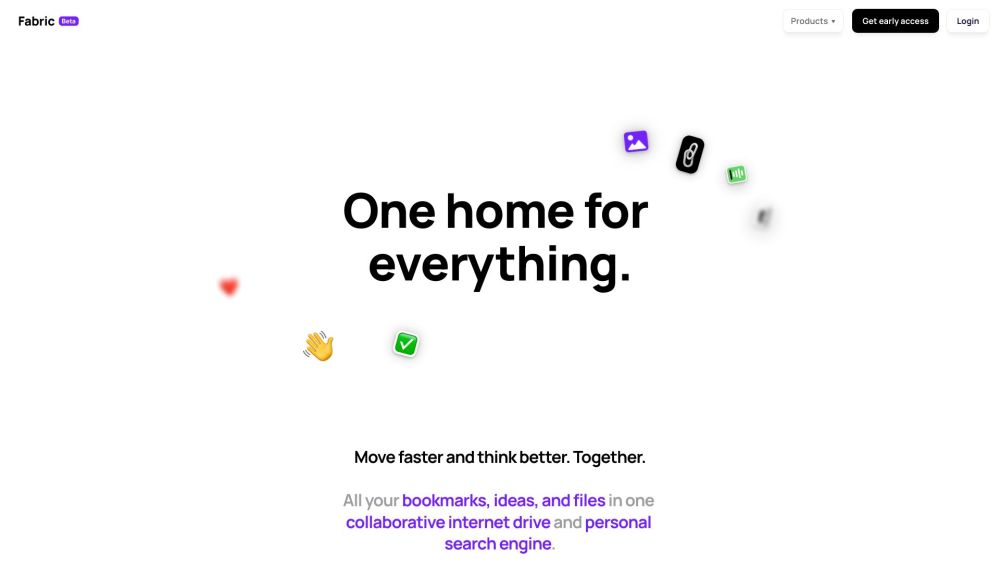
Fabric solves this by acting as a unified digital warehouse for your digital footprint, automatically indexing everything you throw at it.
How it works in the real world: Because Fabric utilizes semantic search rather than strict keyword matching, you don't need to remember exact file names, tags, or folders. You can search your library using natural, vague human language. Typing something like, "that minimal AI tool index site I stumbled on around mid-day last week," will successfully surface the exact screenshot or URL you saved, even if the text on the page didn't explicitly contain those exact words.
Best For: Content creators, researchers, and knowledge workers dealing with massive amounts of daily information overload.
The Catch: To get the full benefit, you have to build the habit of actively routing your files and bookmarks into the Fabric ecosystem.
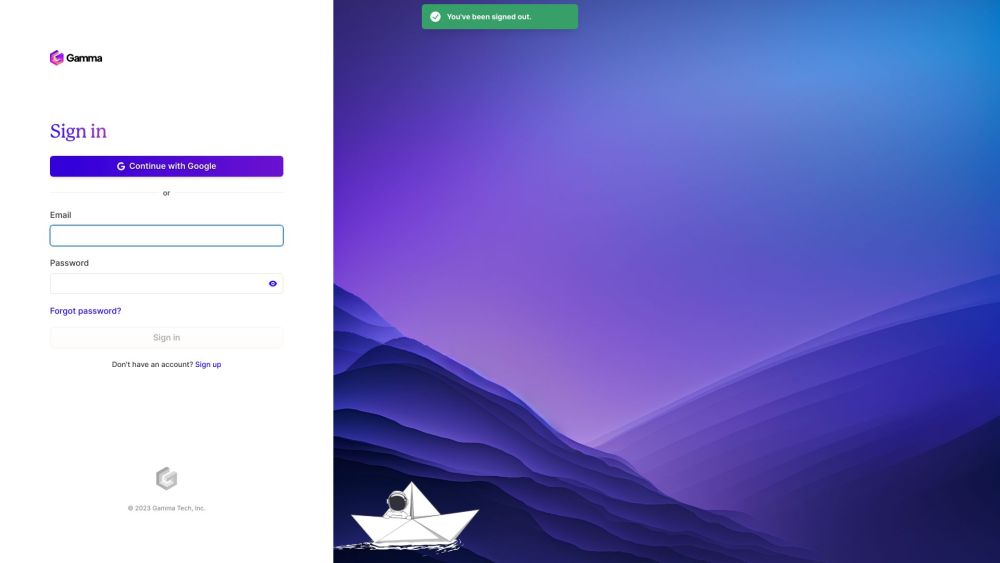
5. Gamma: Skipping the Presentation Formatting Nightmare
Staring at a blank PowerPoint grid or a sterile Google Doc outline is one of the biggest friction points in content creation. You waste 20% of your energy brainstorming the actual ideas, and the remaining 80% fighting with text alignment, image crops, font sizes, and color palettes.
Gamma bypasses the formatting headache by acting as a design partner that builds structural layouts instantly.
How it works in the real world: You don't need to give Gamma a perfect script. You can dump a messy, unstructured brain-dump of text or a rough project brief into the interface, select a aesthetic theme, and watch the platform generate a beautifully styled presentation deck, webpage, or structured document in under 60 seconds. It doesn't just slap text onto cards; it builds custom layouts, embeds relevant imagery, and creates smart visual hierarchies that look like they were built by a professional UI designer.
Best For: Founders raising capital, marketers pitching new campaigns, and educators building quick visual guides.
The Catch: The initial AI output is a fantastic foundation, but you will still want to jump in manually to fine-tune the copywriting and make sure it perfectly hits your brand voice.
The Bottom Line
The AI tools truly worth your attention (and your subscription budget) are the ones that buy you your time back. By offloading tedious logistics like calendar management, meeting summaries, manual data entry, and basic design layouts to dedicated background systems, you finally clear the administrative clutter.
Stop prompting your tools all day, and start letting them work for you. (Looking for more vetted, real-world tested platforms to optimize your workflow? Explore our fully categorized directory over at aixhub.online.)