
10 Best AI Productivity Tools to Save You 3+ Hours Daily
Let's be real—by 2026, most of us are pretty over generic ChatGPT wrappers and surface-level chatbot tricks. If a tool just waits for you to keep copying and pasting prompts, it's not actually saving you time, right? It's just moving the effort around.
The real shift this year is toward AI workflow automation and coding agents—systems that actually go out, execute tasks, and self-correct in the background.
Whether you're a solo developer trying to ship your next SaaS or an enterprise team looking to automate mundane office busywork, these 10 AI productivity tools and apps are the ones genuinely worth your attention right now. No fluff, just pure utility.
The Solo Developer & Indie Hacker Stack
1. Cursor
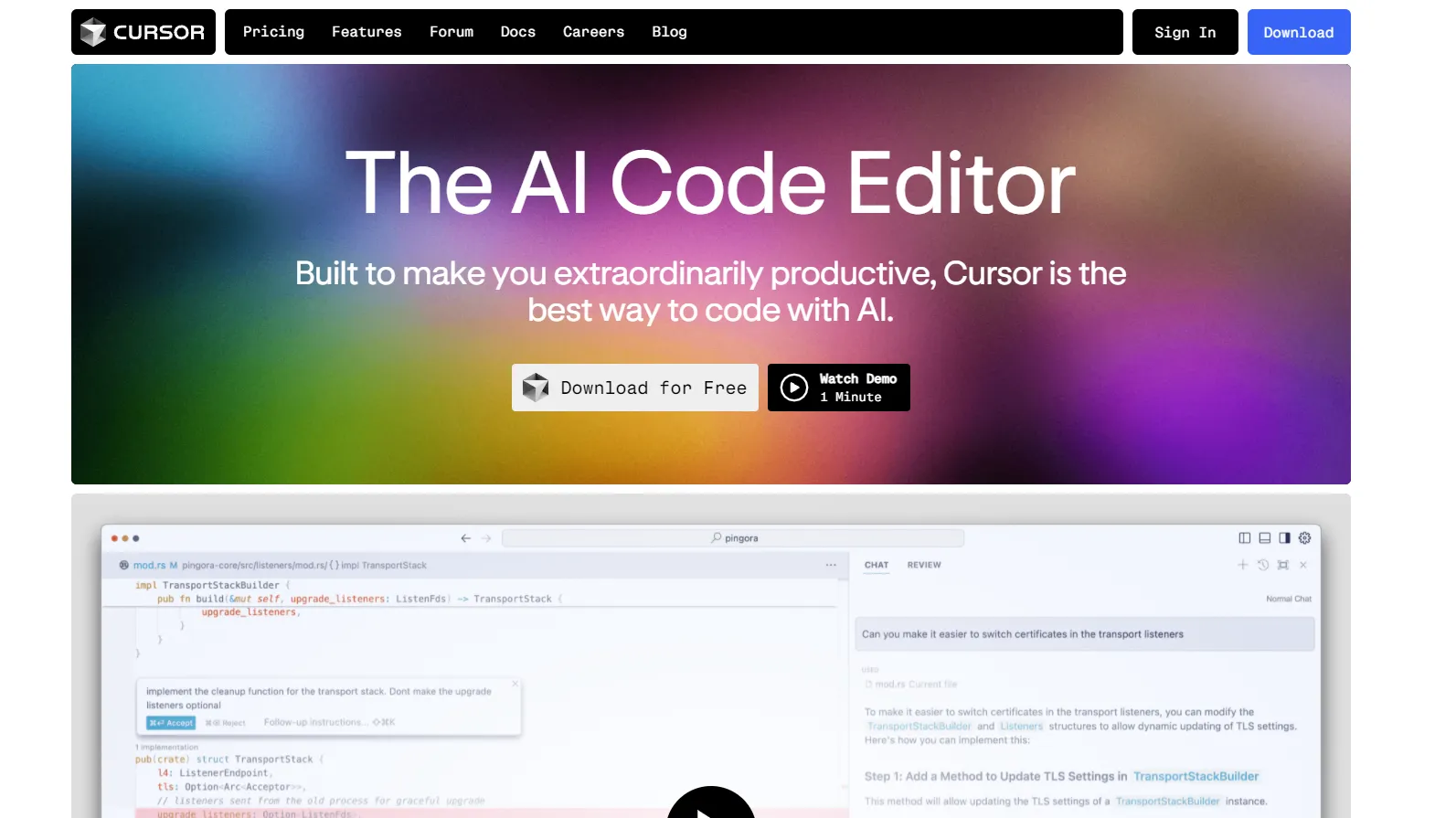
If you're still coding without Cursor, you're just running on a treadmill while others are on electric bikes. Its Composer mode changed everything. Instead of asking an AI to write a single function, you can instruct it to overhaul an entire user onboarding flow, tweak the DB schema, and update the UI components simultaneously. It safely rewrites 4 or 5 different files in one go, turning the dream of "Vibe Coding" into an actual engineering reality.
Pricing: Freemium (Pro tier available)
2. Cline
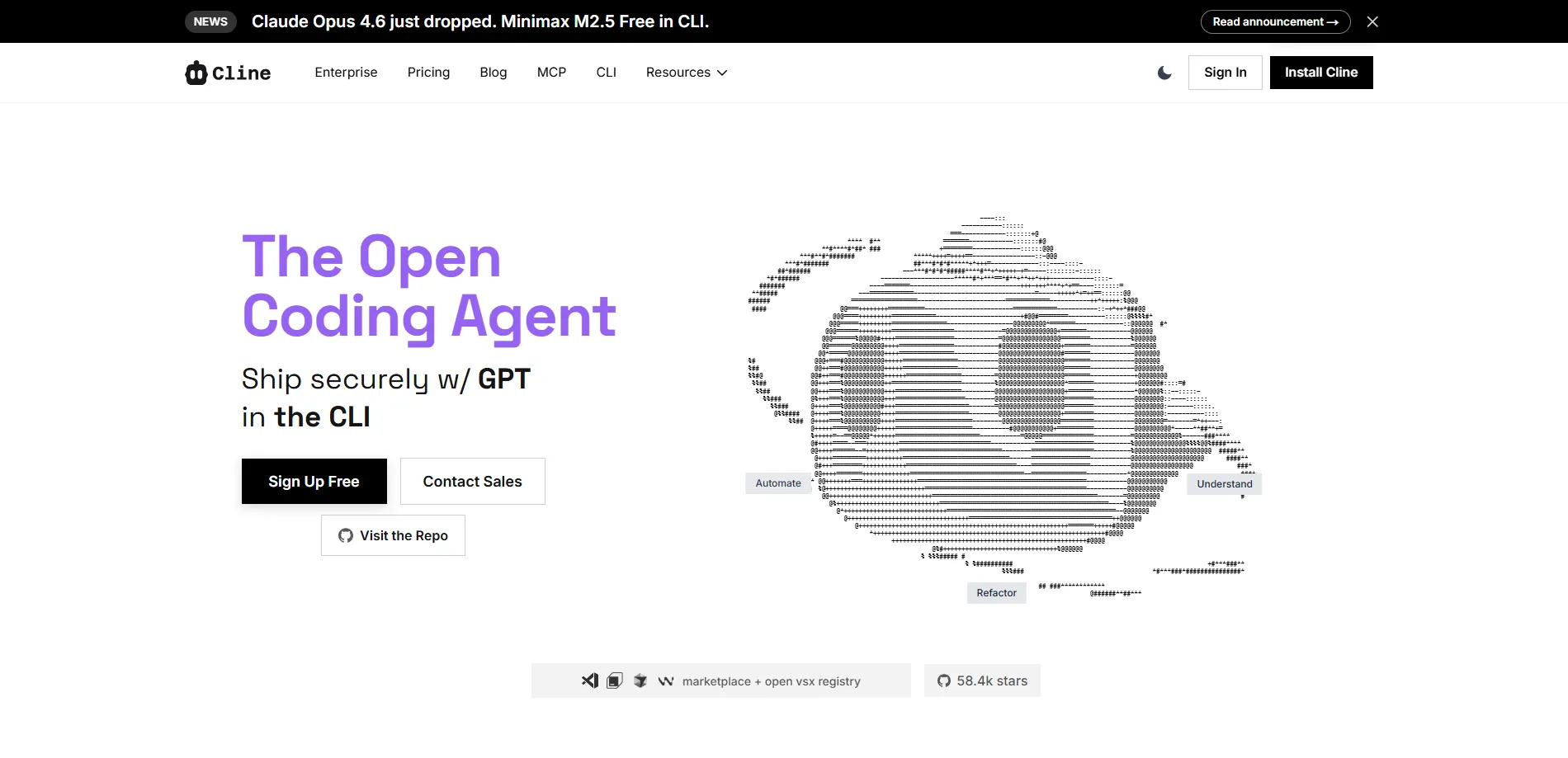
While tools like GitHub Copilot give you inline suggestions, Cline acts like an autonomous junior developer sitting right inside your VS Code terminal. It is an open-source agent with full permission to read/write files, execute terminal commands (like running your tests to debug a build), and even launch a headless browser to inspect layout glitches. You give it a goal, and it loops and self-corrects until the feature works.
Pricing: Open-source (Bring Your Own API Key)
3. Lovable
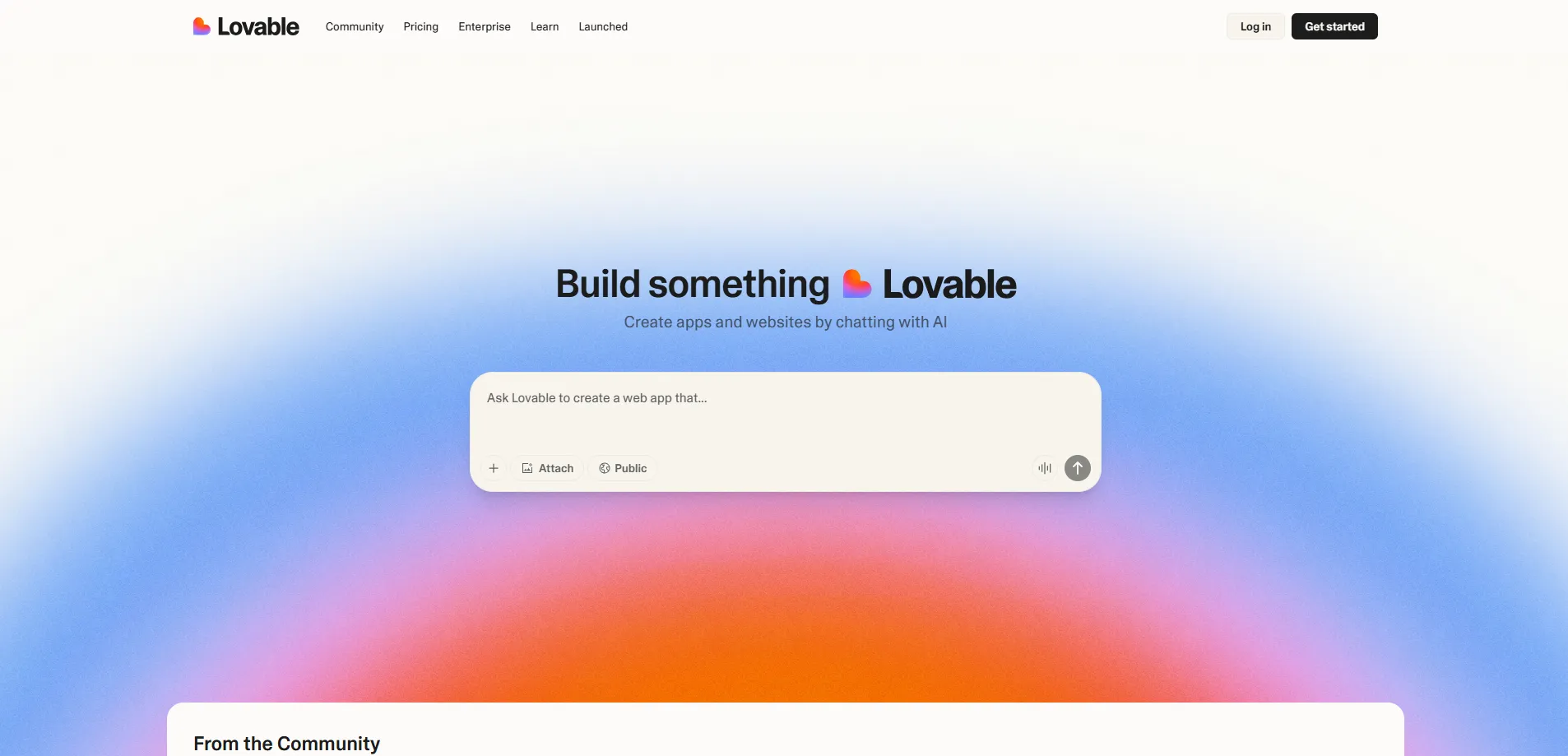
Backend developers are notorious for making web apps look like they were designed in the late 90s. Lovable solves that overnight. It's an insanely fast full-stack visual generator running on React, Tailwind, and Vite. Drop a messy wireframe drawing or type out your requirements, and it builds a pixel-perfect, responsive frontend. It even handles tricky integrations like Stripe out of the box, letting teams launch an MVP before the weekend ends.
Pricing: Free tier / Premium plans
4. n8n
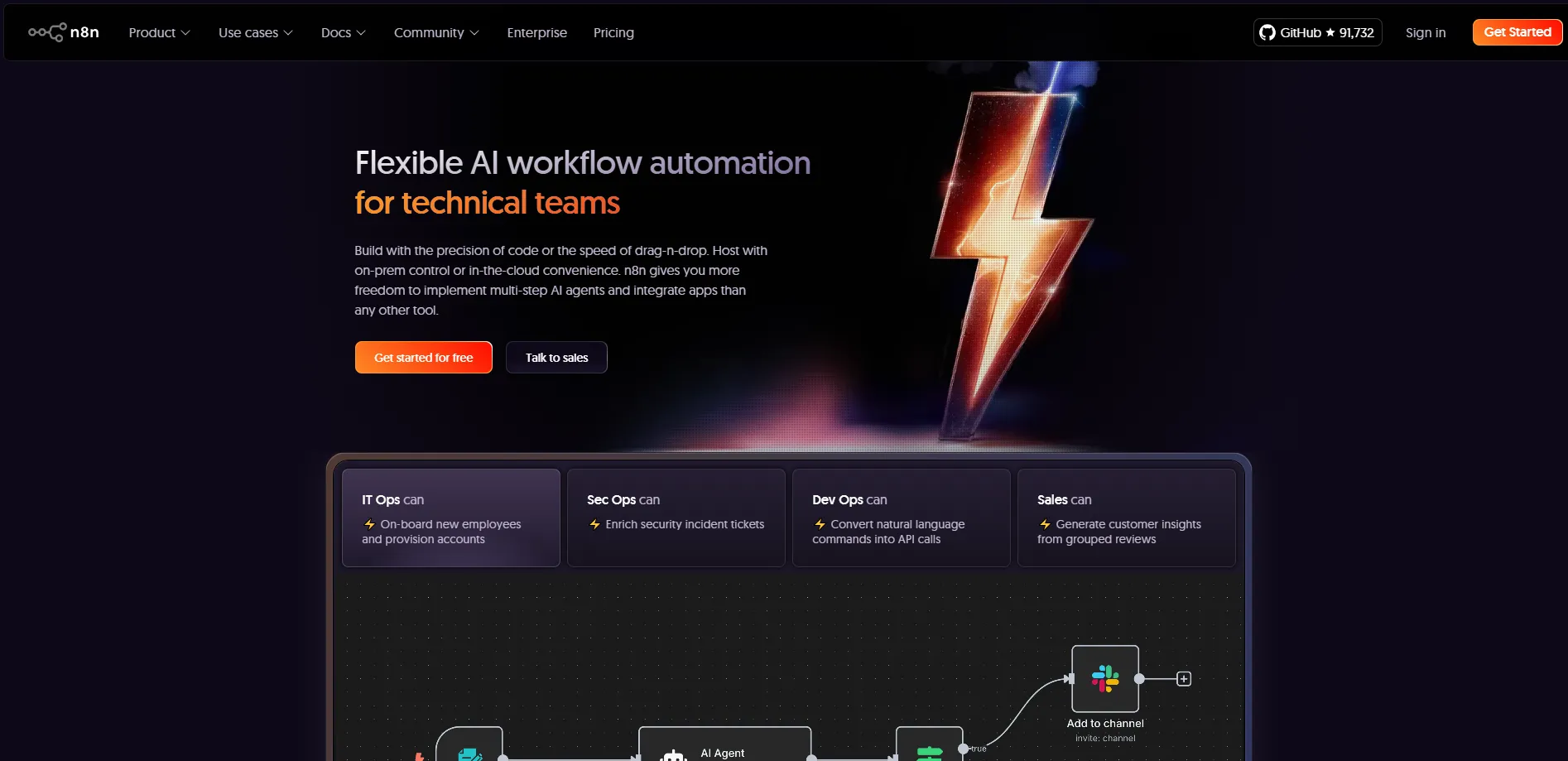
For fast-moving startups, daily energy gets eaten alive by glue-work—syncing users, updating databases, firing onboarding emails, or posting updates. Instead of paying hefty monthly bills to Zapier, engineering teams have switched to n8n. It's a node-based automation powerhouse that lets you build smart AI logic chains. You can set it up so that when a user registers, an AI node analyzes their background, logs it to Notion, and pings your Slack automatically.
Pricing: Fair-code (Free to self-host) / Cloud plans
5. DeepSeek V4 API
Every bootstrapped founder knows the struggle of building complex AI features without a tech giant's budget. DeepSeek's latest V4 model changes the game entirely by introducing a cutting-edge Engram memory architecture that supports a massive 1M context window right out of the box. For indie developers, this means you can finally feed entire codebases into advanced AI agents, handle massive document analysis, and run deep reasoning tasks natively.
And here’s the best part: they just permanently slashed prices for DeepSeek-V4-Pro by a massive 75%, and even dropped the V4-Flash tier. It means you can actually run heavy background workflows without breaking the bank.
Pricing: Pay-as-you-go (Ultra-low cost)
💡Pro-Tip: For a live-updated list of alternatives, check out our curated directory of developer tools on aixhub.online.
The Corporate & Office Productivity Stack
6. NotebookLM
When it comes to free AI tools for office work, Google's NotebookLM is easily one of the most practical pieces of knowledge management software released recently. If your job involves parsing dense 100-page market reports, complex legal PDFs, or hours of transcripts, just dump them here. It builds a localized, hallucination-free internal brain. The killer feature is Audio Overview, which takes dry corporate documents and generates a highly realistic, banter-heavy two-person podcast discussing the core insights.
Pricing: Free
7. Granola
We hate intrusive meeting bots just as much as you do. Nobody likes that person who brings a loud, clunky AI assistant into a Zoom call only for it to blare, "This call is being recorded."
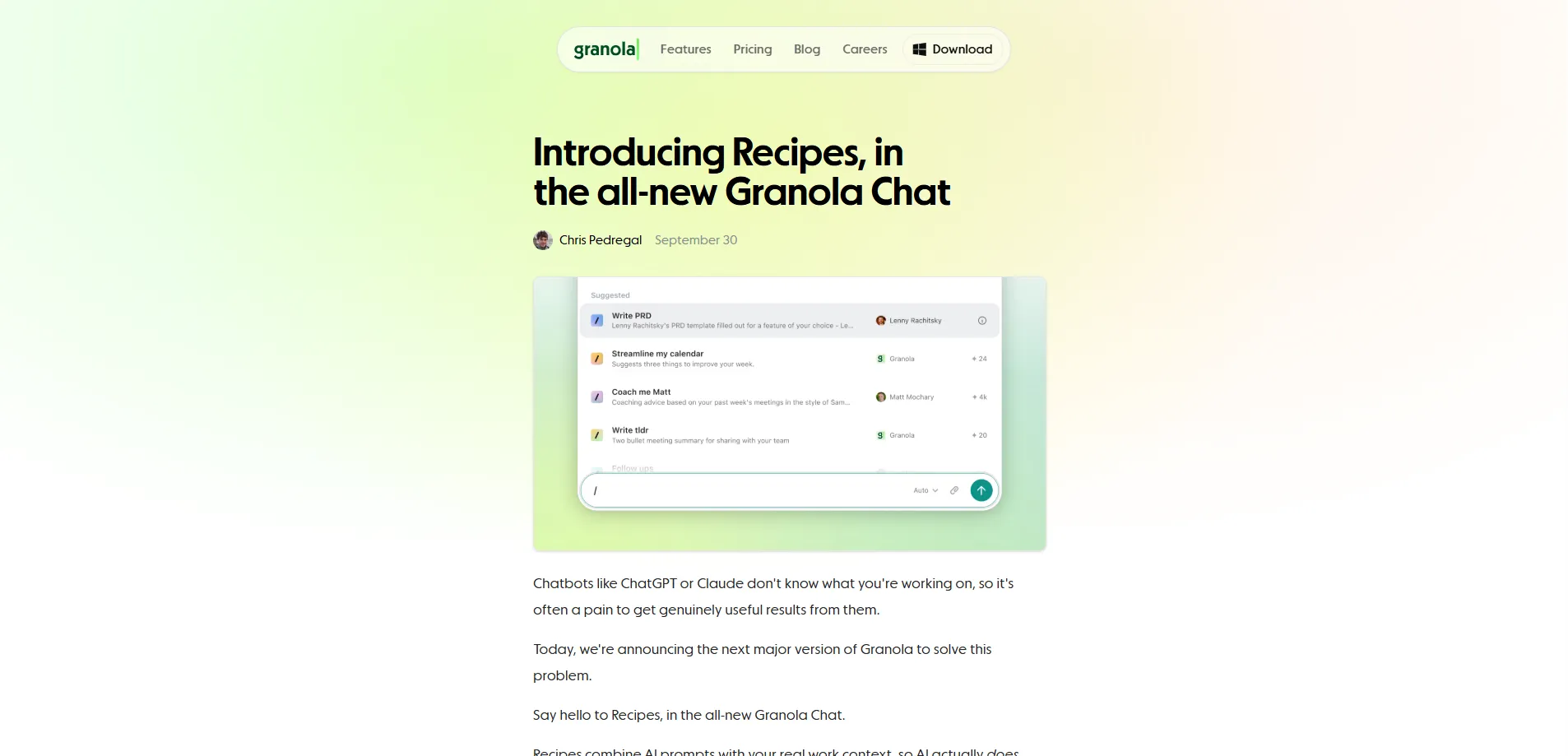
That's exactly why we love Granola—it is fundamentally different. Instead of crashing your meetings, it runs quietly in the background on your Mac/PC, captures your audio, and builds highly structured notes, action items, and follow-ups based on your exact preferences. It even learns to write in your distinct professional voice, ensuring you have a flawless, ready-to-send summary waiting in your inbox the second the call ends.
Pricing: Free tier / Subscription
8. Napkin AI
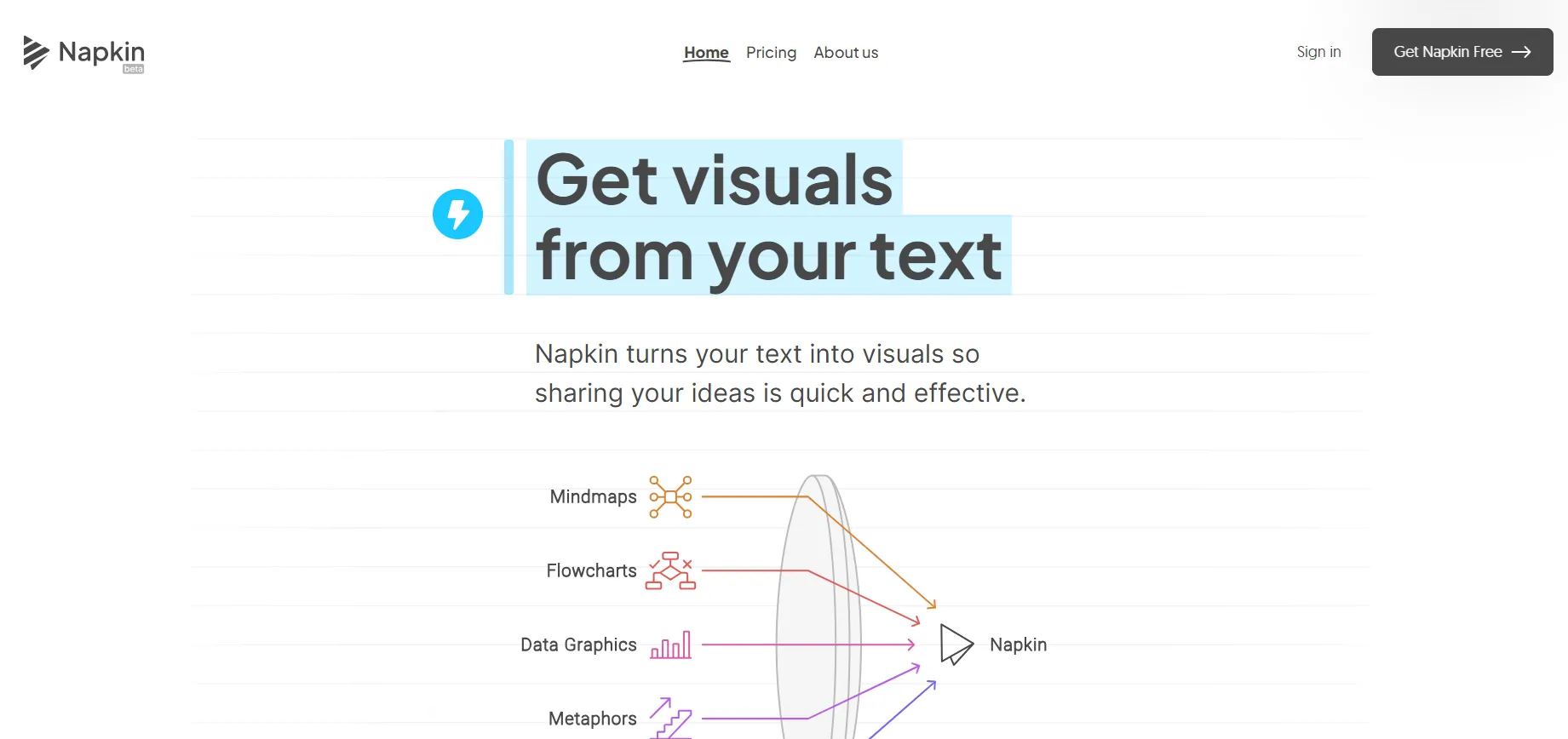
If your job requires creating pitch decks, proposals, or internal wiki pages, you know walls of text kill engagement. With Napkin, you simply paste your plain text into the editor, click a button, and the AI reads the structural logic of your words. Within seconds, it embeds sleek, modern flowcharts, Venn diagrams, and decision matrices right next to your paragraphs, making your output look agency-designed.
Pricing: Free beta / Paid tiers
9. FlowHunt
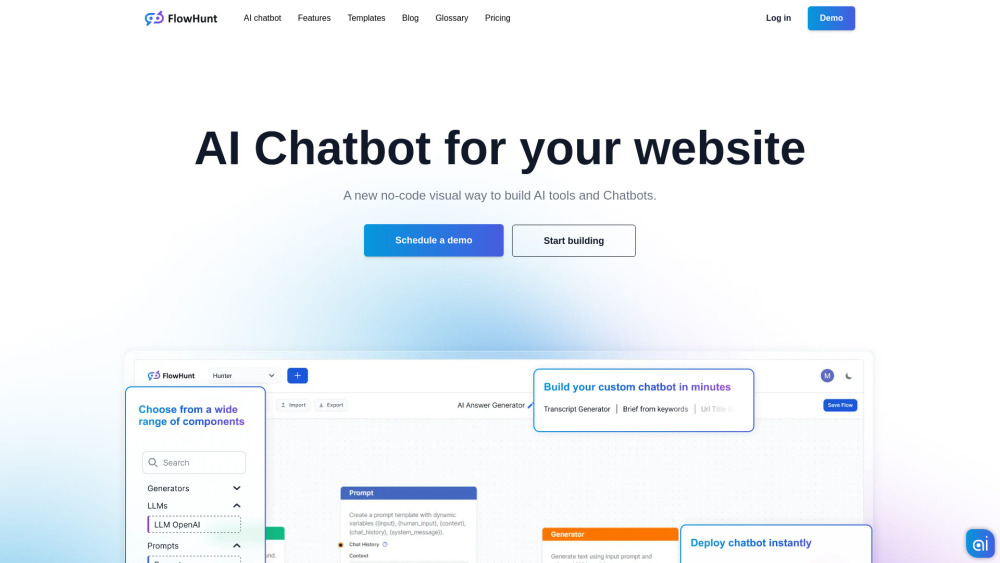
Most office workers spend half their lives acting like human copy-paste machines—moving data from an email lead into a spreadsheet, updating a CRM, and messaging a team thread. FlowHunt lets you automate these exact cross-platform workflows using plain English. It connects over 1,400 daily office applications without needing code, taking care of the background noise so you can focus on high-leverage work.
Pricing: Freemium
10. Perplexity AI
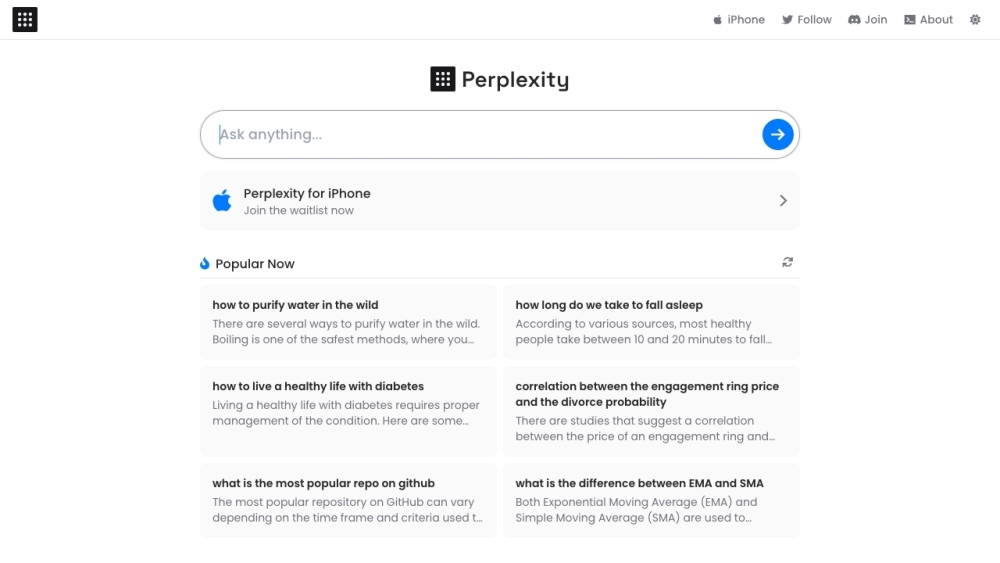
Traditional search engines have started to feel genuinely frustrating—too many ads, too much SEO noise, and somehow still not enough real answers. Perplexity is different. You can throw a complex question at it, and instead of giving you a list of links, it actually goes out, browses the live web, pulls from multiple sources, and gives you a clear, structured response with citations built in.
What's more interesting is its Deep Research mode. It doesn't just stop at the first layer of results—it keeps digging, clicking through multiple levels of links and spending a few minutes piecing things together, almost like a human researcher would.
Pricing: Free / Pro subscription
💡 Work Smarter: You can explore the latest entries in our efficiency database on aixhub.online.
Wrapping Up
The reality of 2026 is that the productivity gap isn't between those who use AI and those who don't. It's between those who treat AI as a basic chat box, and those who build automated systems to do the heavy lifting for them.
Pick two or three tools from this list, spend an hour plumbing them into your daily operations, and take your hours back.
Hunting for a specific workflow solution? Discover and index more AI tools at aixhub.online. Drop by today to build your modern tech stack.